Case studies/FieldStamp
FieldStamp · Photo and note storage

Every photo, proven. Every docket, done on site.

FieldStamp files every site photo by day and project the moment you take it, with the date stamped on. Photograph a handwritten docket and the form fills itself in. Reports go out before you leave site.

Concrete cutting and coring Trade subcontractors Site supervisors iPhone, iPad and web
9:41
Project 1Select
TodayWeekAll
12 photos · 3 docketsAll synced
L1 07:14
L1 08:02
L2 09:18
GF 10:05
L2 10:44
L3 11:22
GF 12:01
GF 12:40
L3 13:30
GF 14:05
L1 14:20
L2 14:48
CapturePhotosDocketsReports
The problem

The work gets done. Proving it is the hard part.

Crews take hundreds of photos and fill in paper dockets every week. Then the photos sit unsorted in someone's camera roll, the dockets get wet in the ute, and when the client asks what happened on Level 2 last Tuesday, nobody can find it.

01

Photos with no context

No date, no project, no location. Thousands of images mixed in with personal photos on staff phones.

02

Dockets rewritten in the office

Handwritten dockets are retyped at night or at the end of the week, long after the details are fresh.

03

Reports that never get sent

By the time someone builds the report, the client has already asked for it twice.

How FieldStamp works

Capture on site. Finished on site.

01 · Capture

Every photo, right where it belongs.

Take photos inside FieldStamp and they are filed by day and project straight away, with the date, time and location stamped on the image. Tag each one as quality, safety or progress so it is easy to find later.

  • Date and project stamped on every photo
  • Filed by level or area, like L1, L2 or GF
  • Quality, safety and progress tags
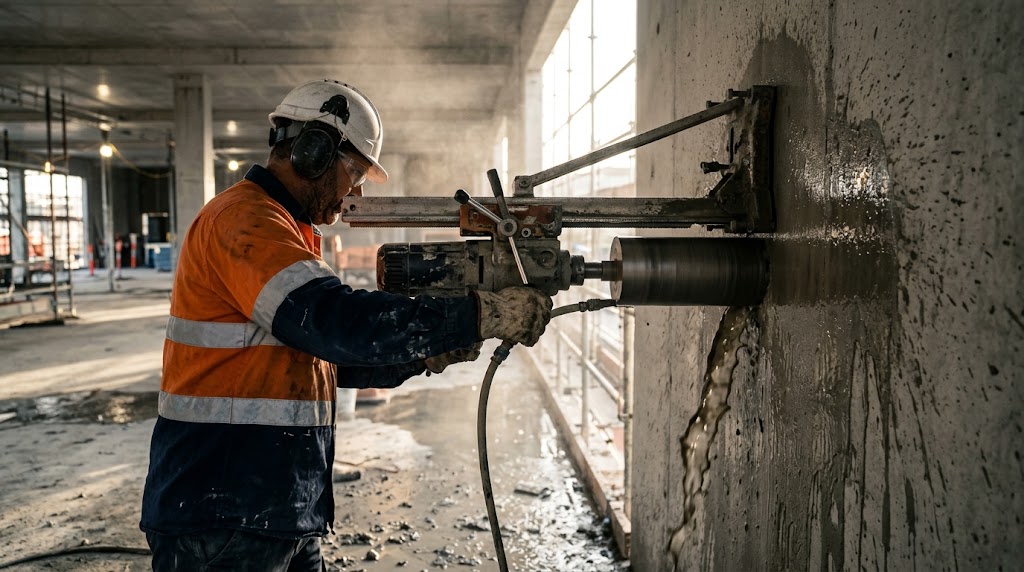
Worker photographing a saw cut in a concrete slab
9:41
Project 1Level 2
14 Oct 2026 · 2:14 pm
Project 1 · Level 2 · Slab
QualitySafetyProgress
CapturePhotosDocketsReports
02 · Dockets

Paper dockets, filled in for you.

Photograph a handwritten docket and FieldStamp fills in the digital form. You just check it. Job details, materials, methods and quantities are captured in the same format every time, ready for the client and for billing.

  • Scan a handwritten docket with the camera
  • Form fields filled in automatically
  • Quick check and sign off before it is saved
Scanning a handwritten docket on site
9:41
DocketSave
Filled from photo
ProjectProject 1
LocationLevel 2 · Slab
MaterialConcrete
MethodHi-Freq
Length14 m · check
Signed byUser 2
CapturePhotosDocketsReports
03 · Report

Sent before knock off.

Turn the day's photos and dockets into a clean PDF report, then download it or email it to the client straight from site. No more building reports at the kitchen table.

  • PDF reports with photos and dockets together
  • Email to the client from the app
  • Connects to Xero for billing
Supervisor reviewing a report on a tablet
9:41
ReportSend
Daily site report14 Oct 2026
Project 1 · Levels 1 to 3 · Client 1
Photos12
Dockets3
Safety notes2
Email to Client 1
CapturePhotosDocketsReports

Photographed, stamped, filed. Before the dust settles.

What it looks like in practice

One shift, start to finish.

Picture a cutting and coring crew working across three levels of a building. Here is how the day runs with FieldStamp in their pocket.

Illustrative example based on how FieldStamp is used.

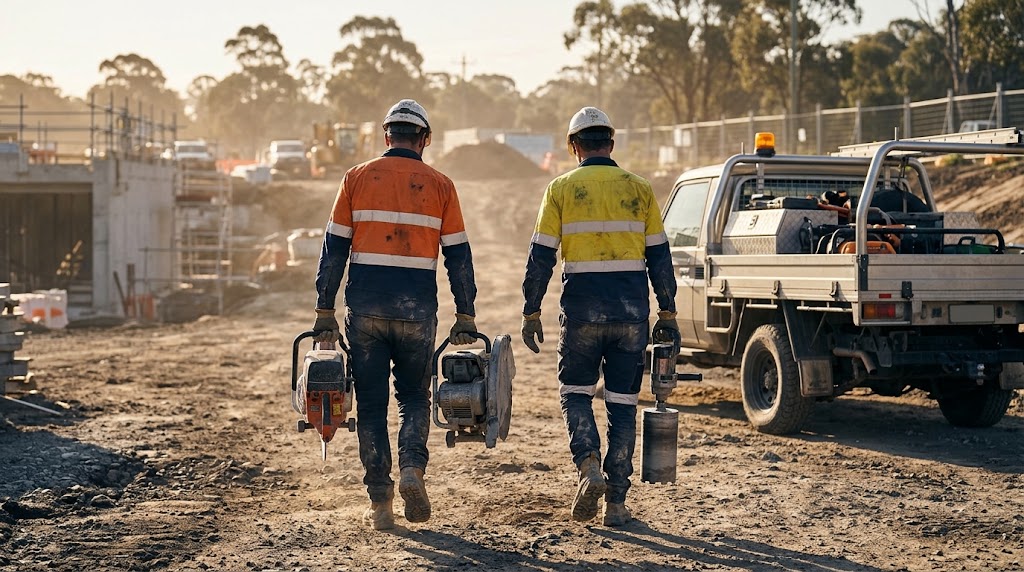
Concrete cutting crew walking across site
  1. 07:00

    Before photos on arrival

    The crew snaps each area before work starts. Every photo is stamped and filed under the project.

  2. 10:30

    Progress as they go

    Photos tagged by level, so the supervisor can see what is done without walking the floors.

  3. 14:00

    Docket filled from a photo

    The handwritten docket is scanned and the form fills itself in. One quick check and it is saved.

  4. 15:30

    Report sent from site

    Photos and dockets go to the client as one PDF before the crew packs up.

What changes

Proof of work, without the paperwork.

Find any photo fast

Search by day, project and area instead of scrolling a camera roll.

No more retyping

Dockets go from paper to digital on site, not at the end of the week.

Clients kept in the loop

Daily reports arrive without anyone having to ask for them.

Backed up when it counts

Dated, stamped photos settle questions about variations and defects.

Questions

Frequently asked questions

Does it work on iPhone?

Yes. FieldStamp runs as an iPhone and iPad app and in the browser on any computer, so crews and the office see the same photos and dockets.

Are the photos mixed in with my personal camera roll?

No. Photos taken in FieldStamp are filed under the project and day they belong to, separate from personal photos.

Can it read handwriting?

Yes. Photograph a handwritten docket and the form fills itself in. Anything unclear is easy to correct before you save.

Can the form match our trade?

Yes. Docket fields such as materials, methods and locations are set up around how your crew actually works. Talk to us about your setup.

How do we get access?

Each user signs in with a licence key. Book a call or email us and we will get your team set up.

More case studies

Ready to stop chasing photos?
Let us set your crew up.